Prove it with one client
Preview an authorized client website. Confirm the language, customer-service capability, scope, and first publication before planning a portfolio rollout.

Website and funnel translation for your CRM
Add languages to your existing websites and funnels, protect approved wording, and choose managed updates as your content changes.
FunnelLingo requires an eligible existing CRM account, including supported company-branded accounts. It is not a standalone website-translation service. Not sure what your business uses? Confirm compatibility with your website provider before installing.
A sample from your website
Draft only. Nothing has been published and ongoing updates are not active.
After setup, your agent can check selected pages for changes, prepare translation updates, and flag anything affecting locked wording.
Installation requires an eligible existing CRM account. Your website and language will appear in the setup guide; they are not automatically imported into an installed account.
Setup confirms your authorized site or funnel, pages, languages, publishing rules, and plan. Translation quality varies by language; review wording before publishing.
Planning several client accounts? This estimate covers one website, not your whole portfolio. Compare portfolio capacity and costs.
Get your sample, context notes, site estimate, and the installation guide. Email is optional.
This page is the demo
Choose an available language and browse the page. Copy with a matching published translation changes; newly edited copy may remain in its original language until reviewed and published. Anything you type in the sample form stays exactly as entered.
One website first. Ongoing maintenance next.
Install in your existing CRM account, then select the published website or funnel and pages you want to translate.
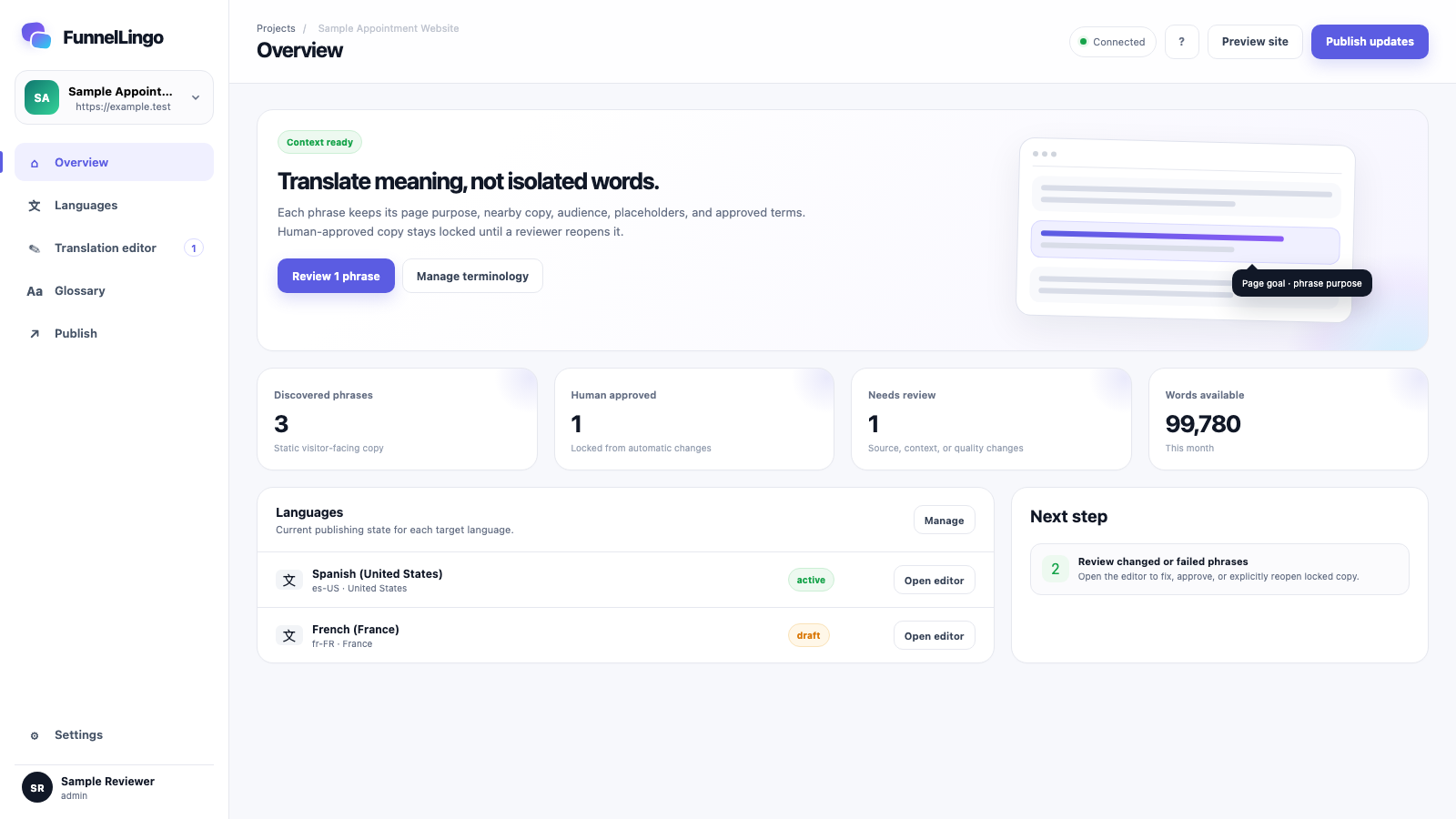
Confirm the suggested audience, purpose, voice, and protected names. FunnelLingo prepares the translation for you.
Review your first publication and make it live on your chosen domains.
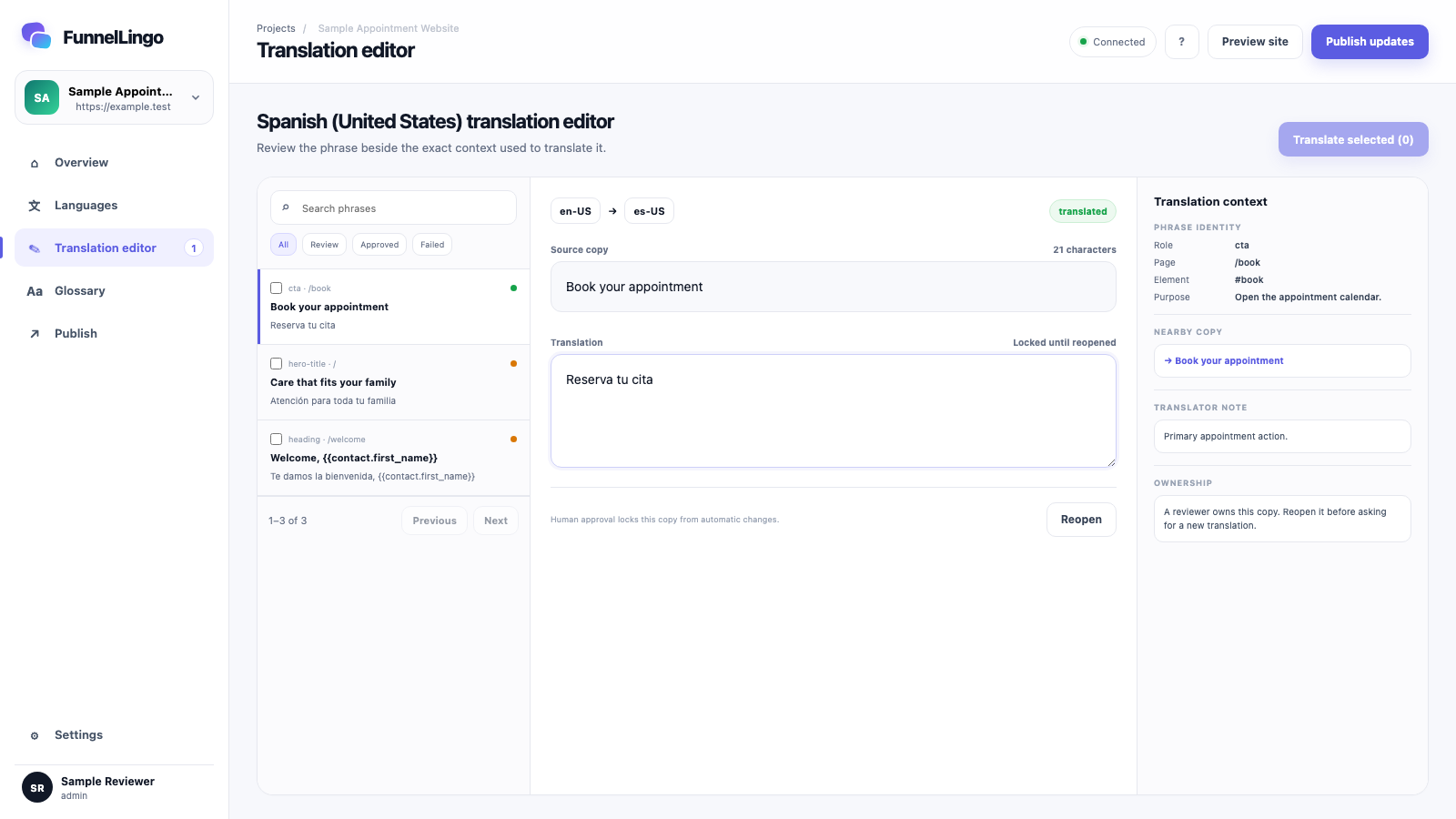
See each phrase beside its page purpose and nearby copy. Approve the words you want to lock. Wording review is never required to publish.
For client teams and implementers
Start with a client who has a real need for another language. Establish the review and publishing workflow, then repeat it for the next suitable client.
Preview an authorized client website. Confirm the language, customer-service capability, scope, and first publication before planning a portfolio rollout.
Each enabled client account stays separately licensed and permissioned. Translation capacity is shared on portfolio plans; client content and approvals are not.
You manage the client relationship and the service you sell. Include your setup, support, and any human language review in your own scope and price.
Portfolio pricing combines a monthly capacity base with a charge for each enabled client account. The shared word allowance is not multiplied by client count. Pilot access and broader rollout remain subject to installation eligibility and service readiness.
Using a website managed by a provider? Share the setup guide with them rather than creating a different CRM account.
Context you can review
“Book now” can reserve an appointment, buy a ticket, or start a sales call. FunnelLingo keeps the page purpose beside the phrase so the translation fits the action.
Built to leave the page safe
Typed form values, contact records, conversations, and other personal data are not translation content.
Once you approve a phrase, FunnelLingo cannot change it unless someone reopens it.
If FunnelLingo cannot load, visitors keep the original page, navigation, and forms.
Multilingual SEO is included through hosted translated pages. Search indexing is currently disabled; activation requires website and language-address verification, page review, and separate approval. Search rankings are never guaranteed.
Setup help
Choose one language with customer-operated updates, or managed maintenance on Growth and higher plans. We can help identify installation permissions, review work, and activation requirements before a broader rollout.
Use the form below for setup help. Your answers stay exactly as you type them when you switch languages.
Continue to the request form